آخر تحديث: 27 Apr, 2026
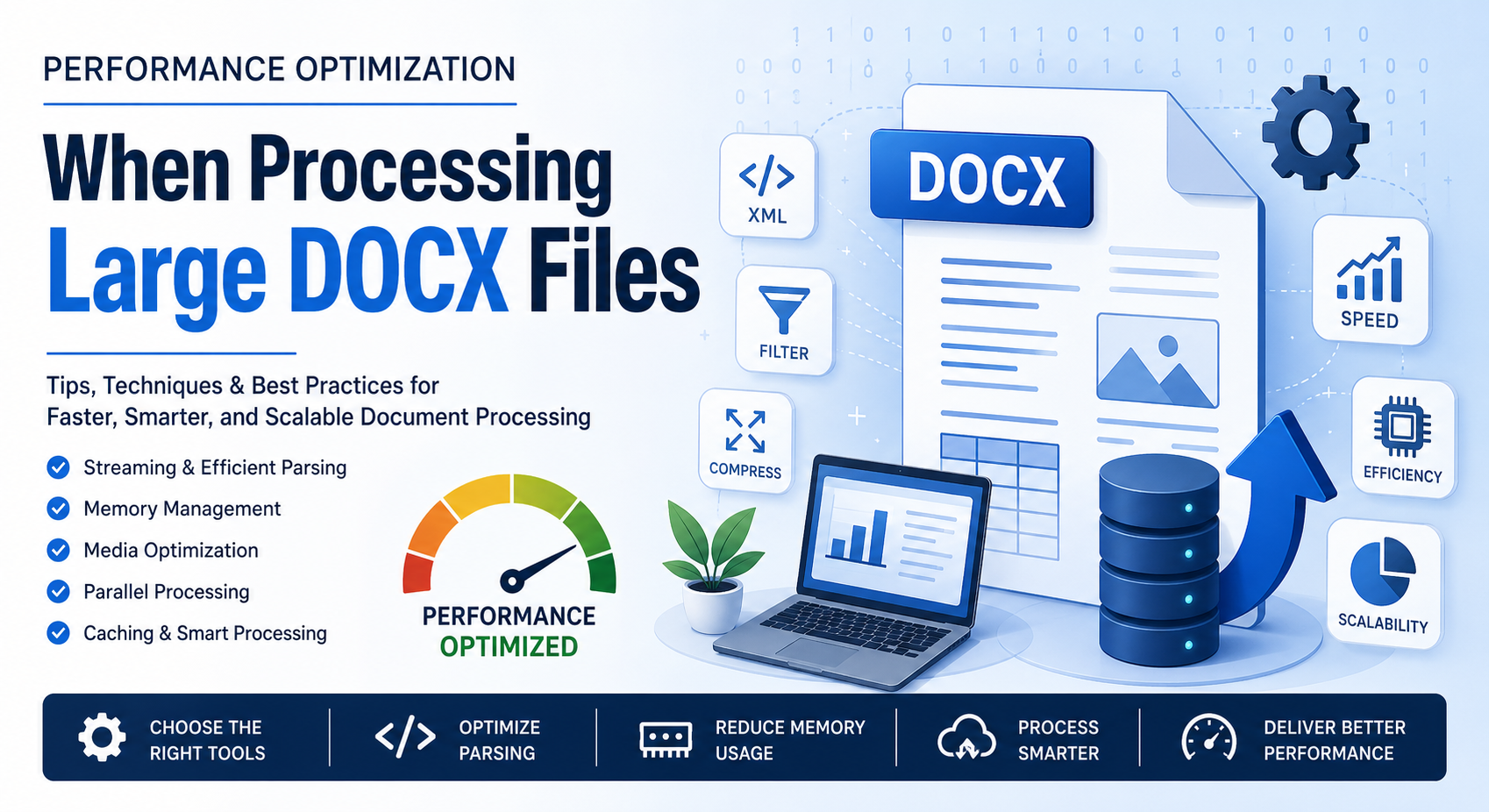
Processing large DOCX files can quickly turn into a performance bottleneck—especially when dealing with hundreds of pages, embedded media, or complex formatting. Whether you’re building document automation tools, conversion pipelines, or enterprise-level systems, optimizing DOCX handling is critical for speed, scalability, and user experience.
In this blog post, we’ll break down practical, real-world strategies to improve performance when working with large DOCX files.
ما الذي يجعل ملفات DOCX الكبيرة بطيئة؟
A DOCX file is essentially a compressed archive (ZIP) containing XML documents, media files, styles, and metadata. While this structure is efficient, it introduces challenges:
- استهلاك موارد تحليل XML لأشجار المستند الكبيرة
- استهلاك الذاكرة عند تحميل المستندات بالكامل
- الصور والكائنات المدمجة التي تزيد من حجم الملف
- قواعد الأنماط والتنسيق المعقدة التي تبطئ عملية العرض
Understanding these factors helps you target optimization more effectively.
1. استخدم البث بدلاً من التحميل الكامل
One of the most common mistakes developers make is loading the entire DOCX file into memory. This approach doesn’t scale well.
لماذا يساعد البث:
- يعالج المحتوى على دفعات بدلاً من كله مرة واحدة
- يقلل من استهلاك الذاكرة
- يسرّع عمليات القراءة/الكتابة
مثال (نهج تصوري):
Instead of:
doc = load_full_docx("large_file.docx")
Use:
for element in stream_docx("large_file.docx"):
    process(element)
الأدوات التي تدعم البث:
- Python: lxml مع التحليل التكراري
- Java: محللات XML القائمة على SAX
- .NET: Open XML SDK مع OpenXmlReader
2. تحسين تحليل XML
Since DOCX relies heavily on XML, efficient parsing is key.
أفضل الممارسات:
- استخدام محللات الحدث (SAX) بدلاً من DOM عندما يكون ذلك ممكنًا
- تجنب التجول غير الضروري عبر شجرة المستند بالكامل
- تخزين العقد التي يتم الوصول إليها بشكل متكرر في الذاكرة المؤقتة
نصيحة:
Only extract the parts you need (e.g., text, tables, or images) instead of parsing everything.
3. تقليل استهلاك الذاكرة
Large DOCX files can consume hundreds of MBs of RAM if not handled carefully.
Strategies:
- Process elements sequentially
- Avoid duplicating document objects
- Release unused objects explicitly (especially in languages like Java or C#)
4. ضغط وتحسين محتوى الوسائط
Images and embedded media often make up the bulk of DOCX file size.
تقنيات التحسين:
- ضغط الصور قبل تضمينها
- إزالة موارد الوسائط غير المستخدمة
- تحويل الصور عالية الدقة إلى صيغ صديقة للويب
إضافي:
If your application doesn’t need images, skip processing them entirely.
5. المعالجة المتوازية للعمليات الضخمة
If you’re processing multiple DOCX files, parallelization can significantly improve throughput.
الأساليب:
- التعدد الخيطي (للمهام المرتكزة على الإدخال/الإخراج)
- التعدد العملي (للمهام المكثفة على المعالج)
- أنظمة موزعة (مثل قوائم المهام مثل Celery)
تحذير:
Avoid parallelizing operations on a single DOCX file unless your library supports thread-safe access.
6. تخزين النتائج مؤقتًا للعمليات المتكررة
If your system frequently processes the same documents:
- Cache extracted text or metadata
- Store intermediate results
- Use hashing to detect duplicate files
This avoids redundant processing and boosts performance.
7. استخدم مكتبات وواجهات برمجة تطبيقات فعّالة
Choosing the right library can make a huge difference.
الخيارات الشائعة:
- Java: Apache POI (XWPF)
- .NET: Open XML SDK
- Python: python-docx (مع قيود على الملفات الكبيرة)
- C++: حلول مبنية على libxml2
نصيحة احترافية:
Benchmark different libraries with your specific workload before committing.
8. تجنب التحويلات غير الضرورية
Repeatedly converting DOCX to other formats (PDF, HTML, etc.) can slow down processing.
التوصيات:
- تحويل فقط عندما يكون مطلوبًا
- تخزين المخرجات المحوّلة مؤقتًا
- استخدام التحديثات التدريجية بدلاً من التحويلات الكاملة
9. تحليل الأداء ومقارنة الكود الخاص بك
Optimization without measurement is guesswork.
الأدوات التي يمكن استخدامها:
- Python: cProfile، memory_profiler
- Java: VisualVM، JProfiler
- .NET: dotMemory، PerfView
ما الذي يجب قياسه:
- وقت التنفيذ
- استخدام الذاكرة
- عمليات الإدخال/الإخراج
10. معالجة الجداول الكبيرة والتصاميم المعقدة بفعالية
Tables and nested elements can be expensive to process.
نصائح:
- معالجة الصفوف بشكل تدريجي
- تجنب الاستدعاء المتكرر العميق
- تبسيط الهياكل المتداخلة عندما يكون ذلك ممكنًا
أفضل ممارسات SEO لأنظمة معالجة DOCX
If you’re building a web-based document processing service, performance also impacts SEO:
- Faster processing = better user experience
- Reduced server load = improved uptime
- Optimized APIs = quicker response times
These factors indirectly improve search rankings and user retention.
الخلاصة
Optimizing performance when processing large DOCX files isn’t about a single trick—it’s a combination of smart parsing, efficient memory management, and thoughtful architecture. By adopting streaming techniques, reducing unnecessary processing, and leveraging the right tools, you can dramatically improve speed and scalability.
Whether you’re handling document conversion, analysis, or automation, these strategies will help you build faster, more efficient systems that scale with your needs.
واجهات برمجة تطبيقات مجانية لمعالجة ملفات Word
الأسئلة الشائعة
س1: 1. لماذا تكون ملفات DOCX الكبيرة بطيئة في المعالجة؟
A: لأنها تحتوي على هياكل XML معقدة، وسائط مدمجة، وتتطلب ذاكرة كبيرة للتحليل.
س2: 2. ما هي أفضل طريقة للتعامل مع ملفات DOCX الكبيرة؟
A: استخدم البث والتحليل القائم على الأحداث بدلاً من تحميل الملف بالكامل في الذاكرة.
س3: 3. هل يمكنني معالجة ملفات DOCX بشكل متوازي؟
A: نعم، ولكن عادةً على مستوى الملفات وليس داخل مستند واحد.
س4: 4. كيف يمكنني تقليل حجم ملف DOCX؟
A: ضغط الصور، إزالة الوسائط غير المستخدمة، وتبسيط التنسيق.
س5: 5. أي مكتبة هي الأفضل لمعالجة ملفات DOCX الكبيرة؟
A: يعتمد على اللغة التي تستخدمها، لكن Open XML SDK وApache POI خيارات قوية من حيث الأداء.
انظر أيضًا
- كيفية إنشاء مستند Word في C# باستخدام FileFormat.Words
- كيفية تحرير مستند Word في C# باستخدام FileFormat.Words
- كيفية إنشاء جدول في ملفات Word باستخدام FileFormat.Words
- كيفية تنفيذ البحث والاستبدال في جداول MS Word باستخدام C#
- كيف أفتح ملف Docx في C# باستخدام FileFormat.Words؟
- DOC vs DOCX vs ODT مقارنة تقنية وعملية في 2026