Last Updated: 24 Jul, 2026
How Developers Can Automate Email Parsing Using Open Source Libraries
Modern businesses receive thousands of emails every day. Customer support requests, invoices, order confirmations, notifications, resumes, and system alerts all arrive through email. Processing this information manually is time-consuming, error-prone, and difficult to scale.
This is where email parsing automation becomes invaluable. Using open source email parsing libraries, developers can automatically extract structured information from emails, attachments, headers, and metadata without relying on expensive commercial solutions.
In this guide, you’ll learn how email parsing works, why it’s important, which open source libraries are worth considering, and how to build automated email processing workflows.
What Is Email Parsing?
Email parsing is the process of reading an email and extracting useful information into structured data.
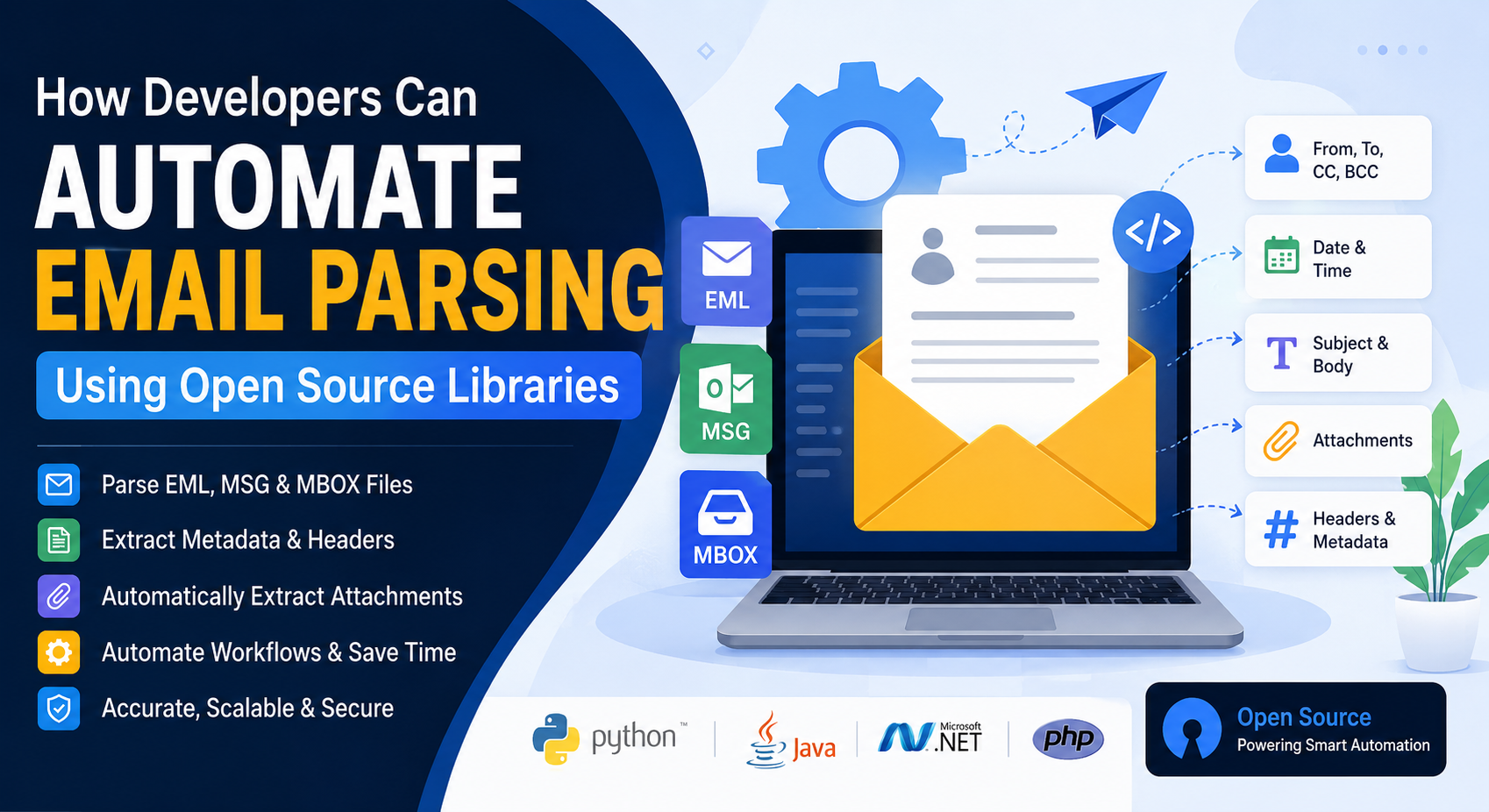
A parser can extract information such as:
- Sender information
- Recipient addresses
- Subject
- Date and time
- Email body
- HTML content
- Plain text
- Attachments
- Embedded images
- Email headers
- CC and BCC recipients
- MIME parts
- Message IDs
Instead of manually reading emails, applications can automatically process incoming messages and trigger business workflows.
Why Automate Email Parsing?
Automated email parsing offers several advantages:
- Eliminates manual data entry
- Speeds up business workflows
- Reduces human errors
- Improves customer response times
- Simplifies document management
- Enables workflow automation
- Supports large-scale email processing
Organizations use automated parsing for CRM systems, ERP software, help desks, HR platforms, financial applications, logistics, and healthcare systems.
Common Email Formats Developers Need to Parse
EML
EML is the standard email message format used by many email clients.
It stores:
- Email headers
- MIME structure
- Body content
- Attachments
MSG
Microsoft Outlook stores emails in the proprietary MSG format.
MSG files may contain:
- Rich formatting
- Outlook properties
- Calendar items
- Contacts
- Attachments
MBOX
MBOX stores multiple emails inside one file.
It is commonly used by:
- Thunderbird
- Apple Mail
- Gmail exports
- Unix mail systems
Typical Email Parsing Workflow
A typical automation pipeline looks like this:
Receive Email
      │
      ▼
Detect Email Format
      │
      ▼
Read MIME Structure
      │
      ▼
Extract Metadata
      │
      ▼
Extract Body
      │
      ▼
Extract Attachments
      │
      ▼
Validate Data
      │
      ▼
Store in Database
      │
      ▼
Trigger Business Workflow
Popular Open Source Email Parsing Libraries
1. Python email Package
Python includes a built-in package for parsing MIME email messages.
Best for
- Email automation
- Data extraction
- Server-side processing
Example
from email import policy
from email.parser import BytesParser

with open("sample.eml", "rb") as fp:
    msg = BytesParser(policy=policy.default).parse(fp)

print(msg["Subject"])
print(msg["From"])
print(msg.get_body(preferencelist=('plain')).get_content())
Advantages
- Built into Python
- No additional dependencies
- Excellent MIME support
2. Apache James Mime4J (Java)
Mime4J is one of the most popular Java libraries for parsing MIME messages.
Features
- MIME parsing
- Header extraction
- Attachment processing
- Streaming parser
Example
MimeStreamParser parser = new MimeStreamParser();
parser.parse(inputStream);
Best For
Enterprise Java applications processing large email volumes.
3. MailKit (.NET)
MailKit is a powerful open source library for .NET developers.
Features
- IMAP
- POP3
- SMTP
- MIME parsing
- Attachment extraction
Example
MimeMessage message = MimeMessage.Load("sample.eml");

Console.WriteLine(message.Subject);
Console.WriteLine(message.TextBody);
Why Developers Love It
- Cross-platform
- High performance
- Active community
4. MsgReader (.NET)
MsgReader specializes in Microsoft Outlook MSG files.
It can extract:
- Subject
- Sender
- Attachments
- Embedded images
- Calendar items
Ideal for Outlook migration projects.
5. PHP Mime Mail Parser
A lightweight library for PHP developers.
Supports
- MIME parsing
- Attachment extraction
- HTML emails
- Plain text emails
Perfect for CRM and web applications.
Automating Attachment Extraction
Most business emails include attachments.
Examples include:
- PDF invoices
- Excel spreadsheets
- Word documents
- ZIP archives
- Images
Example using Python:
for part in msg.iter_attachments():
    filename = part.get_filename()

    with open(filename, "wb") as f:
        f.write(part.get_payload(decode=True))
This automation removes the need for manual downloads.
Extracting Email Metadata
Headers often contain valuable information.
Typical metadata includes:
| Field | Purpose |
|---|---|
| From | Sender address |
| To | Recipient |
| Subject | Email topic |
| Date | Timestamp |
| Message-ID | Unique identifier |
| Reply-To | Reply address |
Example:
print(msg["From"])
print(msg["Date"])
print(msg["Message-ID"])
Parsing HTML and Plain Text
Emails frequently include both HTML and plain text versions.
Developers should support both.
body = msg.get_body(preferencelist=('html'))

print(body.get_content())
If HTML is unavailable, fallback to plain text.
Working with MIME Messages
Most emails follow the MIME standard.
A single email may contain:
- HTML body
- Plain text body
- Images
- PDFs
- Office documents
- Digital signatures
A MIME-aware parser correctly separates each part.
Processing Large Mailboxes
Large organizations often archive years of emails inside MBOX files.
Instead of loading everything into memory:
- Stream messages
- Process one email at a time
- Save parsed data immediately
- Release memory after processing
This approach significantly improves scalability.
Real-World Applications
Email parsing powers many modern applications.
Customer Support
Automatically create support tickets from incoming emails.
Invoice Processing
Extract:
- Invoice number
- Vendor
- Amount
- Due date
Store the information in ERP systems.
HR Automation
Parse resumes sent through email.
Automatically extract:
- Candidate name
- Contact details
- Resume attachment
CRM Integration
Capture leads directly from incoming emails.
Automatically update customer profiles.
Security Monitoring
Analyze email headers to detect:
- Spoofing
- Phishing
- Suspicious senders
Best Practices
To build reliable email parsing systems:
- Validate malformed emails
- Handle missing headers gracefully
- Support multiple character encodings
- Parse MIME correctly
- Sanitize HTML content
- Scan attachments before processing
- Log parsing failures
- Process emails asynchronously
- Avoid loading large mailboxes into memory
- Write unit tests for edge cases
Challenges Developers Should Expect
Email parsing isn’t always straightforward.
Common challenges include:
- Corrupted emails
- Broken MIME structures
- Multiple encodings
- Nested attachments
- Large attachment sizes
- Outlook-specific properties
- Different client implementations
Choosing mature open source libraries greatly reduces these issues.
Why Open Source Libraries?
Open source libraries offer several advantages:
- No licensing costs
- Community-driven improvements
- Transparent source code
- Cross-platform compatibility
- Easy customization
- Frequent updates
- Large developer communities
They also integrate well with existing applications and cloud services.
Conclusion
Automating email parsing enables developers to transform unstructured emails into valuable business data with minimal manual effort. Whether you’re processing customer support requests, extracting invoices, managing HR workflows, or archiving communications, open source email parsing libraries provide a reliable, scalable, and cost-effective solution.
By selecting the right library for your programming language and following best practices for MIME handling, attachment extraction, and metadata processing, you can build robust email automation systems that save time, reduce errors, and improve productivity. As email continues to play a central role in business communication, automated parsing remains an essential capability for modern software applications.
Frequently Asked Questions (FAQ)
Q1. Is it better to use regex or AI for email parsing?
A1. Regex is better for structured, machine-generated emails (like receipts). AI (NLP) is better for unstructured, human-written emails. The best approach often uses a combination of both.
Q2. How do I handle parsing HTML emails specifically?
A2. Use a library like BeautifulSoup (Python) or cheerio (Node.js) to strip the HTML tags and extract the visible text content before running your parsing logic.
Q3. What is the easiest open-source library to start with?
A3. Start with Python’s built-in email library combined with imap-tools. It requires zero external dependencies for the basic email decoding and has a very gentle learning curve.
Q4. How can I test my email parser without spamming my real inbox?
A4. Use a local email testing tool like MailHog or Papercut. They create a fake SMTP server that catches all emails, allowing you to send test emails without them leaving your machine.
Q5. Does open-source email parsing handle email attachments?
A5. Yes. Libraries like Python’s email and Node.js’s mailparser can extract and save attachments to disk or parse their contents in memory (e.g., extracting text from a PDF attachment).
Conclusion
Open source audio processing libraries continue to evolve rapidly, giving developers professional-grade tools for media applications, AI, scientific research, gaming, and embedded systems. Whether you need advanced audio conversion, digital signal processing, speech analysis, or real-time playback, the libraries featured in this guide offer proven solutions backed by active communities and years of development. Choosing the right library will help you create faster, more scalable, and more reliable audio applications in 2026 and beyond.