Last Updated: 13 Apr, 2026
Introduction
If you’ve ever worked with PowerPoint presentations, you’ve likely come across file extensions like PPT, PPTX, and PPSX. While they may seem similar at first glance, each format serves a unique purpose and is optimized for different use cases. Understanding the differences between these formats is essential—not just for everyday users, but also for developers, content creators, and businesses aiming to streamline their presentation workflows.
In this guide, we’ll break down each format in detail, compare their features, and help you decide when to use PPT, PPTX, or PPSX for maximum efficiency.
What is PPT?
Overview
PPT is the older PowerPoint file format introduced with Microsoft PowerPoint 97–2003. It uses a binary file structure, which stores presentation data in a less flexible and less efficient way compared to modern formats.
Key Features
- Binary format (.ppt)
- Compatible with older versions of PowerPoint
- Limited support for modern features
- Larger file size compared to newer formats
Pros
- Works on legacy systems
- Suitable for organizations still using older software
Cons
- Not optimized for modern presentations
- Higher risk of file corruption
- Limited support for multimedia and advanced animations
When to Use PPT
- When working in legacy environments
- When compatibility with older PowerPoint versions is required
- When dealing with archived presentations
What is PPTX?
Overview
PPTX is the modern PowerPoint file format introduced with Microsoft Office 2007. It is based on the Open XML standard, making it more efficient, flexible, and developer-friendly.
Key Features
- XML-based (.pptx) format
- Compressed file structure (ZIP container)
- Supports advanced animations, media, and transitions
- Easier integration with APIs and automation tools
Pros
- Smaller file size due to compression
- Better performance and stability
- Easier to edit programmatically
- Supports modern features like SmartArt, embedded videos, and more
Cons
- May not open properly in very old PowerPoint versions
- Requires compatibility mode in legacy environments
When to Use PPTX
- For everyday presentations
- When using modern PowerPoint features
- For software development and automation
- When sharing files across teams and platforms
What is PPSX?
Overview
PPSX is a PowerPoint Show file format. Unlike PPTX, it is designed to open directly in slideshow mode, rather than in editing view.
Key Features
- XML-based (.ppsx) format
- Automatically launches slideshow mode
- Same structure as PPTX but different behavior
Pros
- Ideal for presentations that should start immediately
- Prevents accidental editing
- Perfect for kiosks, events, and client demos
Cons
- Not convenient for editing
- Users must convert back to PPTX for modifications
When to Use PPSX
- During live presentations
- For self-running slideshows
- In exhibitions, kiosks, or digital displays
- When sharing a presentation that should not be edited easily
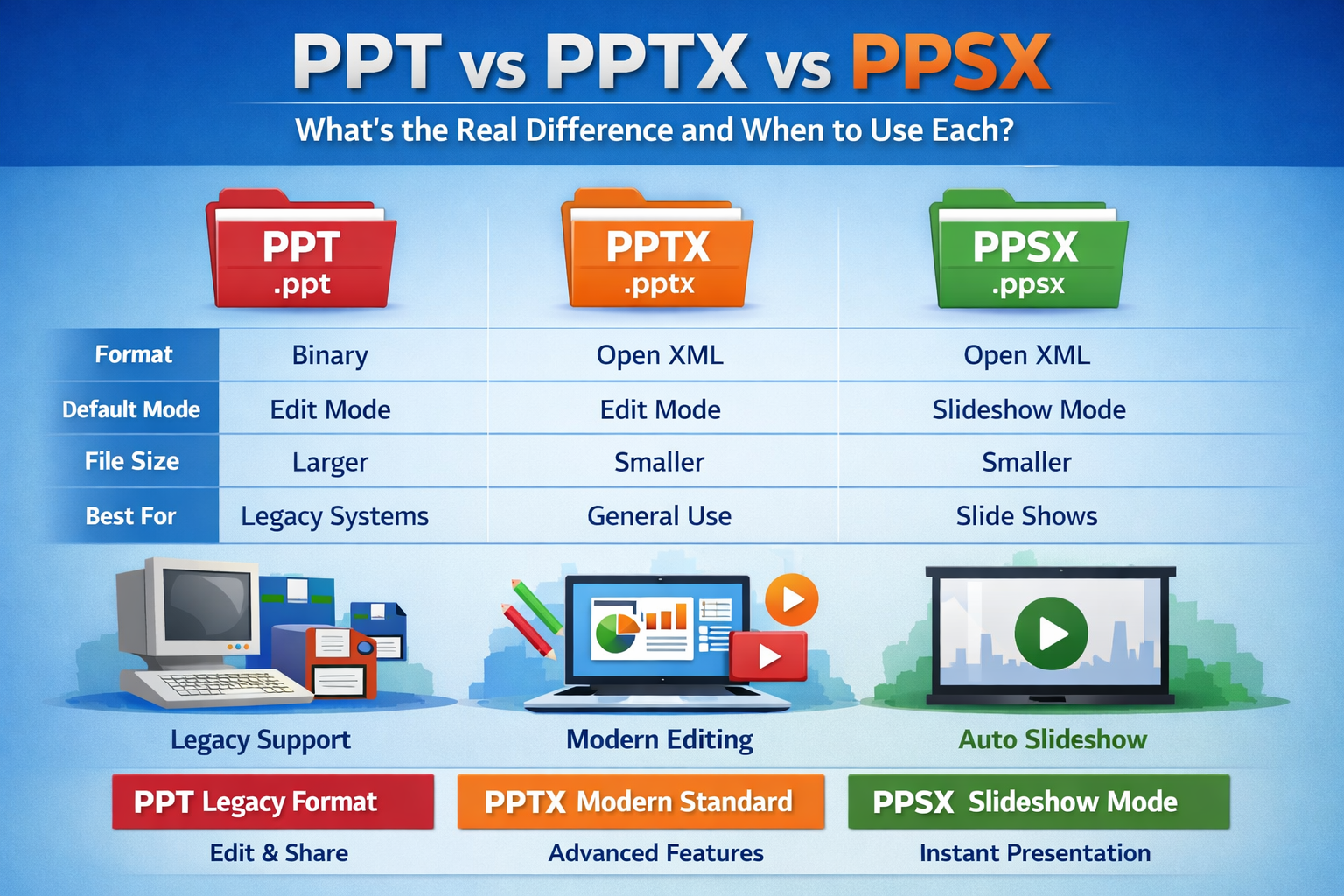
PPT vs PPTX vs PPSX: Key Differences
| No. | Feature | PPT | PPTX | PPSX |
|---|---|---|---|---|
| 1 | File Type | Binary | Open XML | Open XML |
| 2 | File Extension | .ppt | .pptx | .ppsx |
| 3 | Default Mode | Edit Mode | Edit Mode | Slideshow Mode |
| 4 | File Size | Larger | Smaller (compressed) | Smaller (compressed) |
| 5 | Compatibility | Legacy systems | Modern systems | Modern systems |
| 6 | Editing Capability | Yes | Yes | Limited |
| 7 | Best Use Case | Legacy support | General use | Presentation display |
Key Technical Difference (For Developers)
One of the biggest distinctions lies in how these formats are structured:
PPT (Binary Format)
Harder to parse and manipulate programmatically
PPTX & PPSX (Open XML)
-	Structured as a ZIP archive
-	Contains XML files for slides, media, and layouts
-	Easy to manipulate using open-source libraries
Why This Matters
Developers can easily build tools for:\
-	Editing slides programmatically
-	Extracting content (text, images, metadata)
-	Automating report generation
Popular technologies for handling PPTX/PPSX include:
-	Open XML SDK (.NET)
-	Apache POI (Java)
-	python-pptx (Python)
Real-World Use Cases
- Business Presentations Use PPTX for flexibility and modern features.
- Conference or Event Display Use PPSX to launch slides instantly without editing options.
- Legacy System Support Use PPT when working with outdated systems or software.
- Automated Report Generation Use PPTX due to its structured and programmable format.
Best Practices for Choosing the Right Format
- Always prefer PPTX for new presentations
- Use PPSX when presenting to clients or audiences
- Avoid PPT unless absolutely necessary
- Convert older PPT files to PPTX for better performance and compatibility
Conclusion
Understanding the differences between PPT, PPTX, and PPSX can significantly improve how you create, share, and present your slides.
- PPT is best for legacy support
- PPTX is the modern standard for editing and sharing
- PPSX is ideal for presenting without distractions
For most users and developers, PPTX is the go-to format, while PPSX enhances the presentation experience. Choosing the right format ensures better compatibility, performance, and user experience.
Free PowerPoint Processing APIs
FAQ
Q1: What is the main difference between PPT and PPTX?
A: PPT is a legacy binary format, while PPTX is a modern XML-based format with better features and compression.
Q2: When should I use PPSX instead of PPTX?
A: Use PPSX when you want your presentation to open directly in slideshow mode without editing.
Q3: Is PPTX smaller in size compared to PPT?
A: Yes, PPTX files are usually smaller because they use ZIP compression.
Q4: Can I edit a PPSX file?
A: Yes, but you need to open it in edit mode or convert it to PPTX first.
Q5: Is PPT format still recommended today?
A: No, PPT is outdated and should only be used for compatibility with older systems.