Last Updated: 27 Apr, 2026
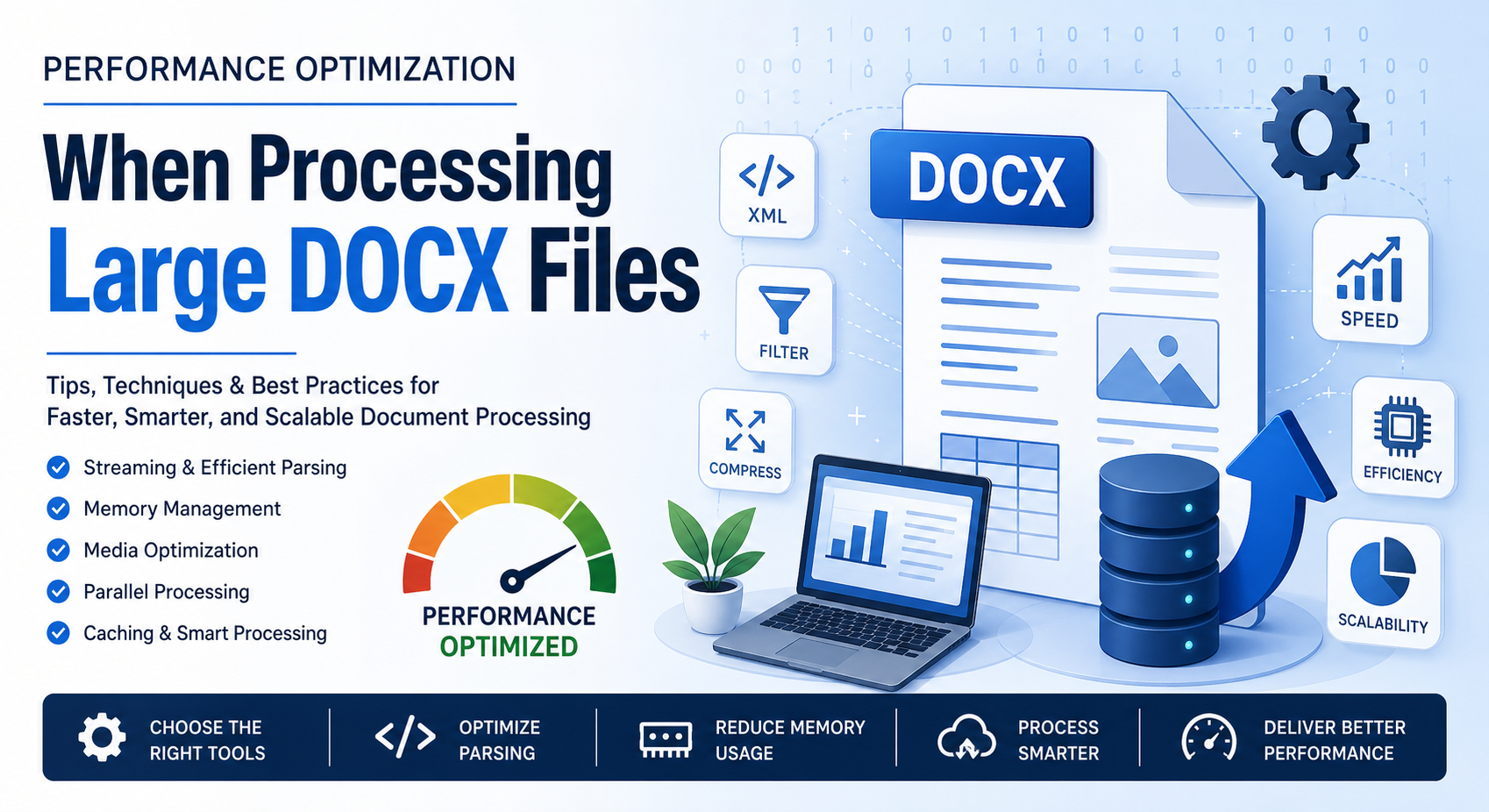
Processing large DOCX files can quickly turn into a performance bottleneck—especially when dealing with hundreds of pages, embedded media, or complex formatting. Whether you’re building document automation tools, conversion pipelines, or enterprise-level systems, optimizing DOCX handling is critical for speed, scalability, and user experience.
In this blog post, we’ll break down practical, real-world strategies to improve performance when working with large DOCX files.
What Makes Large DOCX Files Slow?
A DOCX file is essentially a compressed archive (ZIP) containing XML documents, media files, styles, and metadata. While this structure is efficient, it introduces challenges:
- XML parsing overhead for large document trees
- Memory consumption when loading entire documents
- Embedded images and objects increasing file size
- Complex styles and formatting rules slowing rendering
Understanding these factors helps you target optimization more effectively.
1. Use Streaming Instead of Full Loading
One of the most common mistakes developers make is loading the entire DOCX file into memory. This approach doesn’t scale well.
Why Streaming Helps:
- Processes content in chunks rather than all at once
- Reduces memory footprint
- Speeds up read/write operations
Example (Conceptual Approach):
Instead of:
doc = load_full_docx("large_file.docx")
Use:
for element in stream_docx("large_file.docx"):
    process(element)
Tools That Support Streaming:
- Python: lxml with iterative parsing
- Java: SAX-based XML parsers
- .NET: Open XML SDK with OpenXmlReader
2. Optimize XML Parsing
Since DOCX relies heavily on XML, efficient parsing is key.
Best Practices:
- Use event‑driven parsers (SAX) instead of DOM when possible
- Avoid unnecessary traversal of the entire document tree
- Cache frequently accessed nodes
Tip:
Only extract the parts you need (e.g., text, tables, or images) instead of parsing everything.
3. Reduce Memory Usage
Large DOCX files can consume hundreds of MBs of RAM if not handled carefully.
Strategies:
- Process elements sequentially
- Avoid duplicating document objects
- Release unused objects explicitly (especially in languages like Java or C#)
4. Compress and Optimize Media Content
Images and embedded media often make up the bulk of DOCX file size.
Optimization Techniques:
- Compress images before embedding
- Remove unused media resources
- Convert high‑resolution images to web‑friendly formats
Bonus:
If your application doesn’t need images, skip processing them entirely.
5. Parallel Processing for Bulk Operations
If you’re processing multiple DOCX files, parallelization can significantly improve throughput.
Approaches:
- Multi‑threading (for I/O‑bound tasks)
- Multi‑processing (for CPU‑intensive tasks)
- Distributed systems (e.g., task queues like Celery)
Caution:
Avoid parallelizing operations on a single DOCX file unless your library supports thread‑safe access.
6. Cache Results for Repeated Operations
If your system frequently processes the same documents:
- Cache extracted text or metadata
- Store intermediate results
- Use hashing to detect duplicate files
This avoids redundant processing and boosts performance.
7. Use Efficient Libraries and APIs
Choosing the right library can make a huge difference.
Popular Options:
- Java: Apache POI (XWPF)
- .NET: Open XML SDK
- Python: python‑docx (with limitations for large files)
- C++: libxml2‑based solutions
Pro Tip:
Benchmark different libraries with your specific workload before committing.
8. Avoid Unnecessary Conversions
Repeatedly converting DOCX to other formats (PDF, HTML, etc.) can slow down processing.
Recommendations:
- Convert only when required
- Cache converted outputs
- Use incremental updates instead of full conversions
9. Profile and Benchmark Your Code
Optimization without measurement is guesswork.
Tools to Use:
- Python: cProfile, memory_profiler
- Java: VisualVM, JProfiler
- .NET: dotMemory, PerfView
What to Measure:
- Execution time
- Memory usage
- I/O operations
10. Handle Large Tables and Complex Layouts Efficiently
Tables and nested elements can be expensive to process.
Tips:
- Process rows incrementally
- Avoid deep recursion
- Flatten nested structures when possible
SEO Best Practices for DOCX Processing Systems
If you’re building a web‑based document processing service, performance also impacts SEO:
- Faster processing = better user experience
- Reduced server load = improved uptime
- Optimized APIs = quicker response times
These factors indirectly improve search rankings and user retention.
Conclusion
Optimizing performance when processing large DOCX files isn’t about a single trick—it’s a combination of smart parsing, efficient memory management, and thoughtful architecture. By adopting streaming techniques, reducing unnecessary processing, and leveraging the right tools, you can dramatically improve speed and scalability.
Whether you’re handling document conversion, analysis, or automation, these strategies will help you build faster, more efficient systems that scale with your needs.
Free APIs for Working with Word Processing Files
FAQ
Q1: 1. Why are large DOCX files slow to process?
A: Because they contain complex XML structures, embedded media, and require significant memory for parsing.
Q2: 2. What is the best way to handle large DOCX files?
A: Use streaming and event‑based parsing instead of loading the entire file into memory.
Q3: 3. Can I process DOCX files in parallel?
A: Yes, but typically at the file level rather than within a single document.
Q4: 4. How can I reduce DOCX file size?
A: Compress images, remove unused media, and simplify formatting.
Q5: 5. Which library is best for large DOCX processing?
A: It depends on your language, but Open XML SDK and Apache POI are strong choices for performance.
See also
- How to Create a Word Document in C# using FileFormat.Words
- How to Edit a Word Document in C# using FileFormat.Words
- How to Make a Table in Word Files using FileFormat.Words
- How to Perform Find and Replace in MS Word Tables using C#
- How Do I Open a Docx File in C# using FileFormat.Words?
- DOC vs DOCX vs ODT A Technical and Practical Comparison in 2026