最終更新日: 27 Apr, 2026
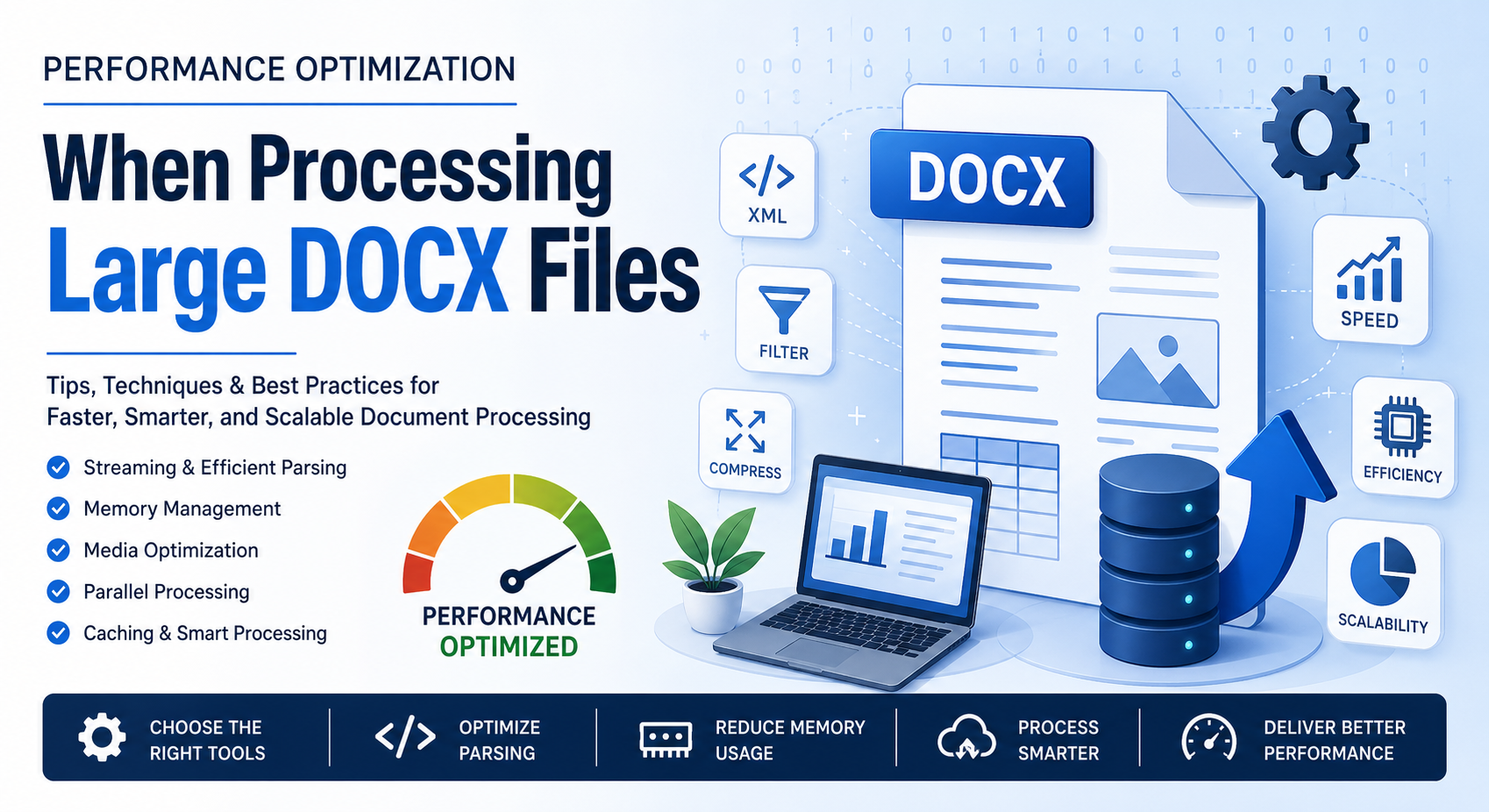
Processing large DOCX files can quickly turn into a performance bottleneck—especially when dealing with hundreds of pages, embedded media, or complex formatting. Whether you’re building document automation tools, conversion pipelines, or enterprise-level systems, optimizing DOCX handling is critical for speed, scalability, and user experience.
In this blog post, we’ll break down practical, real-world strategies to improve performance when working with large DOCX files.
大容量DOCXファイルが遅くなる原因は?
A DOCX file is essentially a compressed archive (ZIP) containing XML documents, media files, styles, and metadata. While this structure is efficient, it introduces challenges:
- XML parsing overhead for large document trees
- Memory consumption when loading entire documents
- Embedded images and objects increasing file size
- Complex styles and formatting rules slowing rendering
Understanding these factors helps you target optimization more effectively.
1. 完全ロードではなくストリーミングを使用する
One of the most common mistakes developers make is loading the entire DOCX file into memory. This approach doesn’t scale well.
ストリーミングが有効な理由:
- Processes content in chunks rather than all at once
- Reduces memory footprint
- Speeds up read/write operations
例(概念的アプローチ):
Instead of:
doc = load_full_docx("large_file.docx")
Use:
for element in stream_docx("large_file.docx"):
    process(element)
ストリーミングをサポートするツール:
- Python: lxml with iterative parsing
- Java: SAX-based XML parsers
- .NET: Open XML SDK with OpenXmlReader
2. XMLパースの最適化
Since DOCX relies heavily on XML, efficient parsing is key.
ベストプラクティス:
- Use event-driven parsers (SAX) instead of DOM when possible
- Avoid unnecessary traversal of the entire document tree
- Cache frequently accessed nodes
ヒント:
Only extract the parts you need (e.g., text, tables, or images) instead of parsing everything.
3. メモリ使用量の削減
Large DOCX files can consume hundreds of MBs of RAM if not handled carefully.
戦略:
- Process elements sequentially
- Avoid duplicating document objects
- Release unused objects explicitly (especially in languages like Java or C#)
4. メディアコンテンツの圧縮と最適化
Images and embedded media often make up the bulk of DOCX file size.
最適化手法:
- Compress images before embedding
- Remove unused media resources
- Convert high-resolution images to web-friendly formats
ボーナス:
If your application doesn’t need images, skip processing them entirely.
5. バルク処理のための並列処理
If you’re processing multiple DOCX files, parallelization can significantly improve throughput.
アプローチ:
- Multi-threading (for I/O-bound tasks)
- Multi-processing (for CPU-intensive tasks)
- Distributed systems (e.g., task queues like Celery)
注意点:
Avoid parallelizing operations on a single DOCX file unless your library supports thread-safe access.
6. 繰り返し処理のための結果キャッシュ
If your system frequently processes the same documents:
- Cache extracted text or metadata
- Store intermediate results
- Use hashing to detect duplicate files
This avoids redundant processing and boosts performance.
7. 効率的なライブラリとAPIの利用
Choosing the right library can make a huge difference.
主な選択肢:
- Java: Apache POI (XWPF)
- .NET: Open XML SDK
- Python: python-docx (with limitations for large files)
- C++: libxml2-based solutions
プロのコツ:
Benchmark different libraries with your specific workload before committing.
8. 不要な変換を避ける
Repeatedly converting DOCX to other formats (PDF, HTML, etc.) can slow down processing.
推奨事項:
- Convert only when required
- Cache converted outputs
- Use incremental updates instead of full conversions
9. コードのプロファイルとベンチマーク
Optimization without measurement is guesswork.
使用ツール:
- Python: cProfile, memory_profiler
- Java: VisualVM, JProfiler
- .NET: dotMemory, PerfView
測定項目:
- Execution time
- Memory usage
- I/O operations
10. 大規模テーブルと複雑なレイアウトを効率的に処理する
Tables and nested elements can be expensive to process.
ヒント:
- Process rows incrementally
- Avoid deep recursion
- Flatten nested structures when possible
DOCX処理システムのSEOベストプラクティス
If you’re building a web-based document processing service, performance also impacts SEO:
- Faster processing = better user experience
- Reduced server load = improved uptime
- Optimized APIs = quicker response times
These factors indirectly improve search rankings and user retention.
結論
Optimizing performance when processing large DOCX files isn’t about a single trick—it’s a combination of smart parsing, efficient memory management, and thoughtful architecture. By adopting streaming techniques, reducing unnecessary processing, and leveraging the right tools, you can dramatically improve speed and scalability.
Whether you’re handling document conversion, analysis, or automation, these strategies will help you build faster, more efficient systems that scale with your needs.
Word Processing ファイル用の無料API for Working with Word Processing Files
FAQ
Q1: 1. 大容量DOCXファイルの処理が遅い理由は何ですか?
A: Because they contain complex XML structures, embedded media, and require significant memory for parsing.
Q2: 2. 大容量DOCXファイルを扱う最適な方法は何ですか?
A: Use streaming and event-based parsing instead of loading the entire file into memory.
Q3: 3. DOCXファイルを並列に処理できますか?
A: Yes, but typically at the file level rather than within a single document.
Q4: 4. DOCXファイルのサイズを減らすにはどうすればよいですか?
A: Compress images, remove unused media, and simplify formatting.
Q5: 5. 大容量DOCX処理に最適なライブラリはどれですか?
A: It depends on your language, but Open XML SDK and Apache POI are strong choices for performance.