最后更新: 27 Apr, 2026
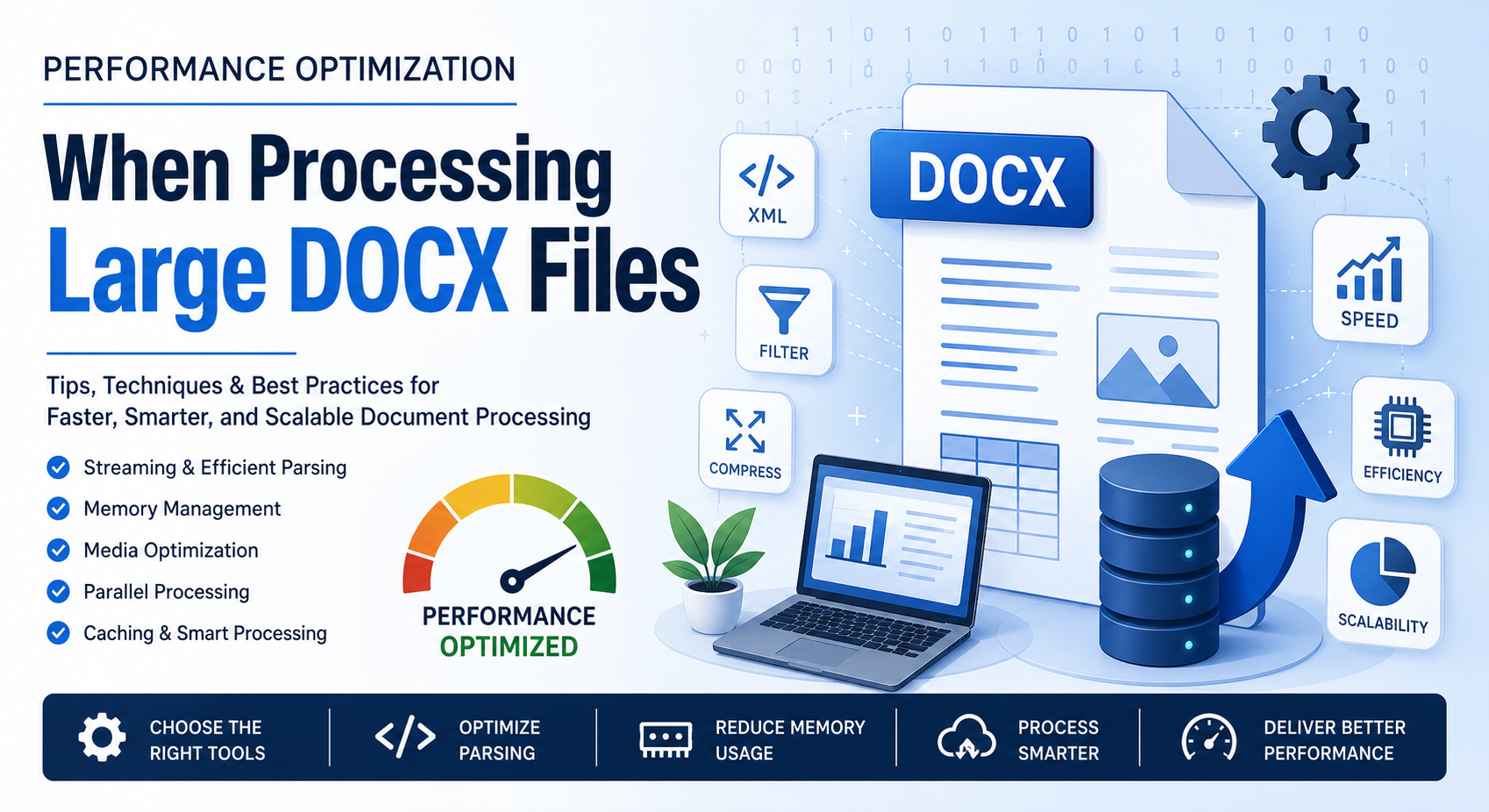
Processing large DOCX files can quickly turn into a performance bottleneck—especially when dealing with hundreds of pages, embedded media, or complex formatting. Whether you’re building document automation tools, conversion pipelines, or enterprise-level systems, optimizing DOCX handling is critical for speed, scalability, and user experience.
In this blog post, we’ll break down practical, real-world strategies to improve performance when working with large DOCX files.
大型 DOCX 文件为何慢?
A DOCX file is essentially a compressed archive (ZIP) containing XML documents, media files, styles, and metadata. While this structure is efficient, it introduces challenges:
- 大型文档树的 XML 解析开销
- 加载整个文档时的内存消耗
- 嵌入的图像和对象导致文件大小增大
- 复杂的样式和格式规则减慢渲染速度
Understanding these factors helps you target optimization more effectively.
1. 使用流式处理而非完整加载
One of the most common mistakes developers make is loading the entire DOCX file into memory. This approach doesn’t scale well.
为什么流式处理有帮助:
- 将内容分块处理,而不是一次性全部处理
- 减少内存占用
- 加快读写操作
示例(概念性方法):
Instead of:
doc = load_full_docx("large_file.docx")
Use:
for element in stream_docx("large_file.docx"):
    process(element)
支持流式处理的工具:
- Python:使用迭代解析的 lxml
- Java:基于 SAX 的 XML 解析器
- .NET:使用 OpenXmlReader 的 Open XML SDK
2. 优化 XML 解析
Since DOCX relies heavily on XML, efficient parsing is key.
最佳实践:
- 尽可能使用事件驱动的解析器(SAX)而非 DOM
- 避免不必要的遍历整个文档树
- 缓存频繁访问的节点
提示:
Only extract the parts you need (e.g., text, tables, or images) instead of parsing everything.
3. 降低内存使用
Large DOCX files can consume hundreds of MBs of RAM if not handled carefully.
策略:
- 顺序处理元素
- 避免复制文档对象
- 显式释放未使用的对象(尤其是在 Java 或 C# 等语言中)
4. 压缩并优化媒体内容
Images and embedded media often make up the bulk of DOCX file size.
优化技术:
- 在嵌入前压缩图像
- 删除未使用的媒体资源
- 将高分辨率图像转换为适合网络的格式
额外提示:
If your application doesn’t need images, skip processing them entirely.
5. 批量操作的并行处理
If you’re processing multiple DOCX files, parallelization can significantly improve throughput.
方法:
- 多线程(针对 I/O 密集型任务)
- 多进程(针对 CPU 密集型任务)
- 分布式系统(例如 Celery 等任务队列)
注意:
Avoid parallelizing operations on a single DOCX file unless your library supports thread-safe access.
6. 为重复操作缓存结果
If your system frequently processes the same documents:
- 缓存提取的文本或元数据
- 存储中间结果
- 使用哈希检测重复文件
This avoids redundant processing and boosts performance.
7. 使用高效的库和 API
Choosing the right library can make a huge difference.
常用选项:
- Java:Apache POI(XWPF)
- .NET:Open XML SDK
- Python:python-docx(对大型文件有局限)
- C++:基于 libxml2 的解决方案
专业提示:
Benchmark different libraries with your specific workload before committing.
8. 避免不必要的转换
Repeatedly converting DOCX to other formats (PDF, HTML, etc.) can slow down processing.
建议:
- 仅在必要时进行转换
- 缓存已转换的输出
- 使用增量更新而非完整转换
9. 对代码进行分析和基准测试
Optimization without measurement is guesswork.
可使用的工具:
- Python:cProfile、memory_profiler
- Java:VisualVM、JProfiler
- .NET:dotMemory、PerfView
测量内容:
- 执行时间
- 内存使用
- I/O 操作
10. 高效处理大型表格和复杂布局
Tables and nested elements can be expensive to process.
提示:
- 增量处理行
- 避免深度递归
- 在可能的情况下将嵌套结构扁平化
DOCX 处理系统的 SEO 最佳实践
If you’re building a web-based document processing service, performance also impacts SEO:
- 更快的处理 = 更好的用户体验
- 降低服务器负载 = 提高正常运行时间
- 优化的 API = 更快的响应时间
These factors indirectly improve search rankings and user retention.
结论
Optimizing performance when processing large DOCX files isn’t about a single trick—it’s a combination of smart parsing, efficient memory management, and thoughtful architecture. By adopting streaming techniques, reducing unnecessary processing, and leveraging the right tools, you can dramatically improve speed and scalability.
Whether you’re handling document conversion, analysis, or automation, these strategies will help you build faster, more efficient systems that scale with your needs.
免费 API 用于处理文字处理文件 for Working with Word Processing Files
常见问题
Q1: 1. 为什么大型 DOCX 文件处理缓慢?
A: 因为它们包含复杂的 XML 结构、嵌入的媒体,并且解析时需要大量内存。
Q2: 2. 处理大型 DOCX 文件的最佳方式是什么?
A: 使用流式和基于事件的解析,而不是将整个文件加载到内存中。
Q3: 3. 我可以并行处理 DOCX 文件吗?
A: 可以,但通常是在文件层面并行,而不是在单个文档内部并行。
Q4: 4. 我如何减小 DOCX 文件大小?
A: 压缩图像、删除未使用的媒体并简化格式。
Q5: 5. 哪个库最适合大型 DOCX 处理?
A: 这取决于您使用的语言,但 Open XML SDK 和 Apache POI 是性能方面的强力选择。